


Studio Grow & Pro
Visual block builder
Start blank or use a page layout. Add content blocks, place them in columns, and preview your page in the theme before it goes live.
Services
Recent work
Your website
 DIY · Presta Studio — choose a theme and build it yourself
Explore Presta Studio →
 We Build It — professionally built for £329
 Managed — we build and manage your website
 How it works
 Pricing & what’s included
 Examples
Industries
 Tradespeople
 Cafés and restaurants
 Salons and barbers
 Fitness and health
 Professional services
 Shops
All industries
Pick a professionally designed theme. Build pages, show off your work and collect enquiries from one workspace.
Try Presta AIPresta AI can do literally anything
Give a sample website a new direction. See how the headline, design and page structure change when you change the brief.

HOME EXTENSIONS & RENOVATIONS
Let’s plan your extension.Tell us how you’d like to use the extra space.
Request a quote ↗Try the controls below. Each walkthrough uses a sample business and stays right here on this page.
Start blank or use a page layout. Add content blocks, place them in columns, and preview your page in the theme before it goes live.
Offer times visitors can book online, take appointment requests or link to a calendar service you already use.
Choose a time to see the next step.
Add a step-by-step enquiry form to a campaign page. Ask about the project first, then collect the contact details you need to follow up.
Step 1 of 3 · Choose a rear extension.
Set your own options and unit prices so visitors can estimate a total before they get in touch. This example uses sample waste collection prices.
Illustrative estimate £85
Give a block a fade, slide or zoom as it comes into view. Try the gallery controls below for more examples of motion. Studio respects reduced-motion settings.


From the first theme preview to the pages your customers use every day.
Browse 59 installable industry themes. Preview another design with your own pages, photos and words before choosing it.
Explore industries →Use a ready-made Contact, Services or Projects layout, or start blank. Grow and Pro add the Universal Editor, columns, stacks and grids.
Change your logo, colours, headings, prices and photos. Add a gallery, slideshow, before-and-after images, tabs or FAQs as your page needs them.
Put an enquiry form beside your opening hours, contact details and map. Grow and Pro can add trade-specific questions for builders, waste removal and local services.
See how the same site adapts to desktop, tablet and phone. These are screenshots of the published Oakline Build theme at three screen sizes.
Open the live theme →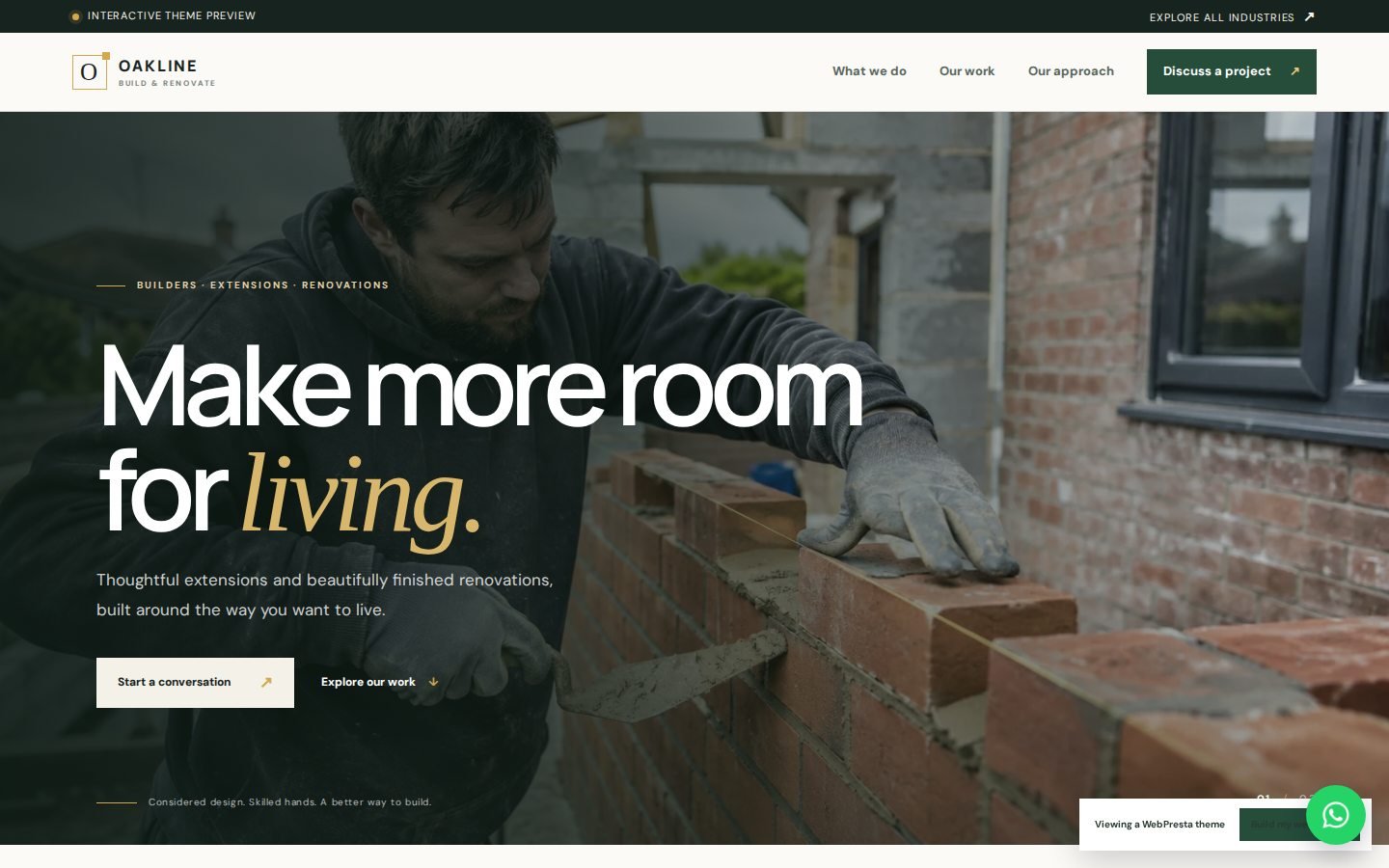
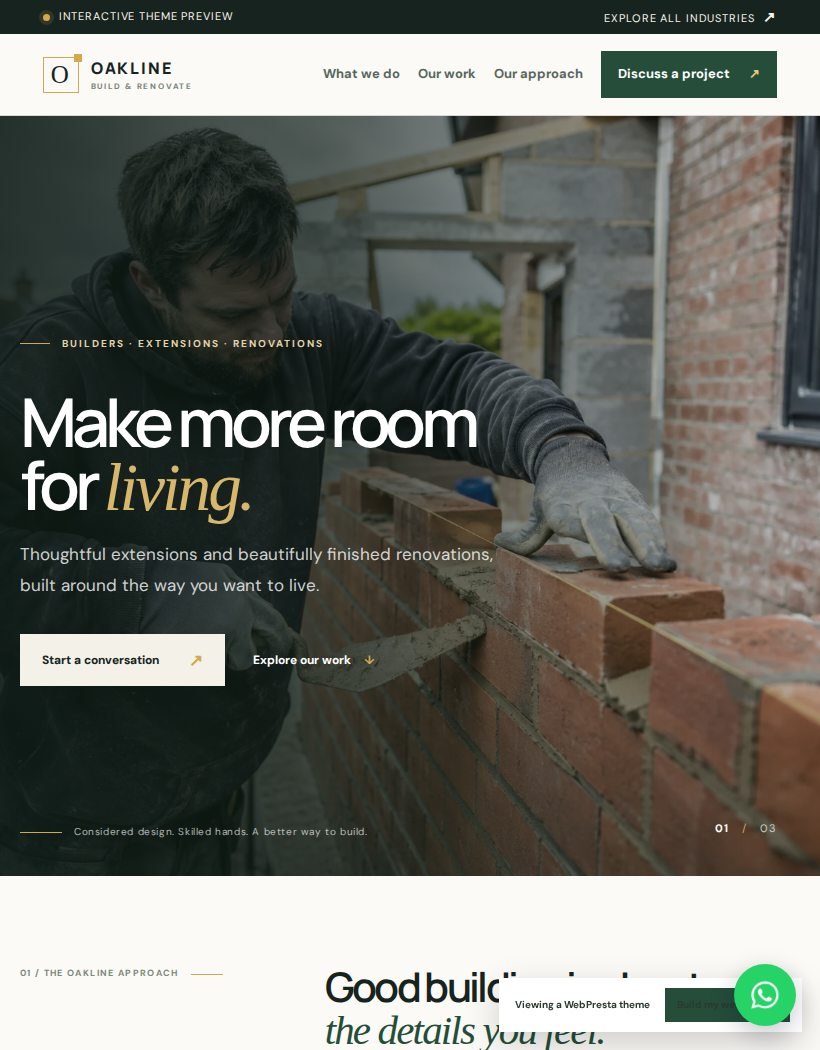
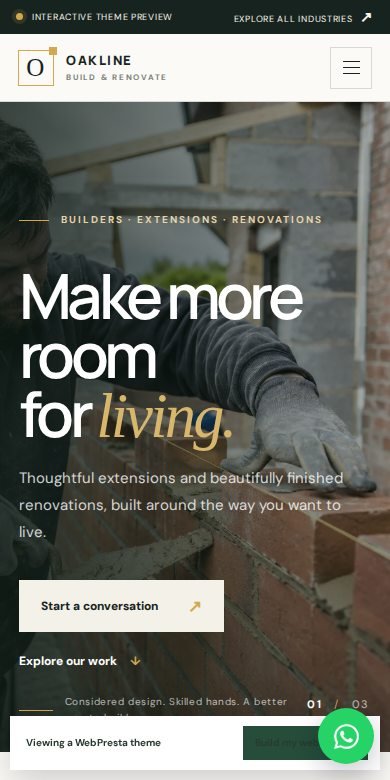
Review your private draft, choose what to publish and use launch checks on Grow and Pro to spot incomplete links and missing image descriptions.
Manage page titles and descriptions, and preview how your site could appear when shared.
See how one brief can change a site’s layout, copy, brand and enquiry journey. Try your own design direction in the playground.
Try Presta AI →Choose a trade, a goal and a look. See the homepage and its suggested page structure change with your choices.
Open the playground →Open the right website from your Dashboard and see your submitted briefs and recorded subscription details.
On Grow and Pro, add a call or WhatsApp button, or send visitors to an existing booking page or hosted checkout.
All plans include themes, content editing and page widgets.
£9.99 / month
One page for your services, photos and contact details.
£19.99 / month
Up to five pages with the Universal Editor and block builder.
£29.99 / month
Unlimited pages, the Universal Editor and Presta AI tools for copy, sections and site-wide block styles.
12-month minimum commitment. See pricing for annual billing and plan details.
 Morrow House
 Greenleaf